
Blue Ceramics: Make Your First Theme Image
From subject and setting to lighting and aspect ratio, practice controlling the image with precise descriptions.
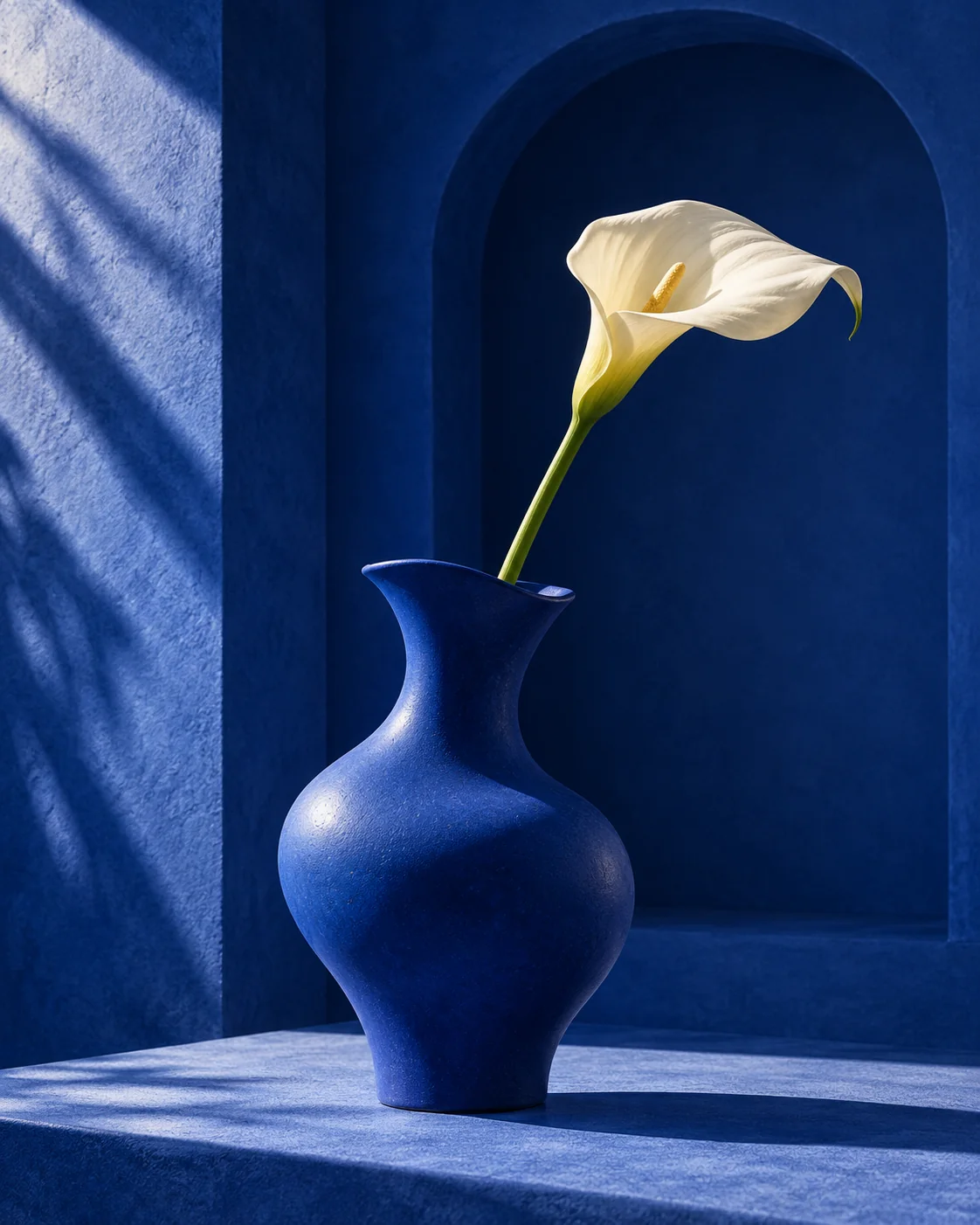
Ce que vous allez créer
One 4:5 theme image, a prompt log and a checklist.
Ce qu’il vous faut
- An AI tool that can generate images
- A folder for saving images and prompts
Étapes
- Start with a mini brief
The subject is an ultramarine ceramic vase with a single white calla lily. The goal is to practice visual expression, so leave out prices and commercial claims. Start with a 4:5 portrait format so the subject is clear and the background simple.
- Set clear constraints
Setting: a cobalt-blue architectural niche; colors: cobalt blue and ivory; lighting: directional soft light from the upper left with geometric shadows. Add this information to the prompt below, then generate in the tool you use.
- Change one variable and retry
If the blue subject blends into the background, brighten the subject's edges; if the stem looks malformed, reduce the number of flowers and specify just one stem. Adjust only one of composition, lighting or subject each time, keep the before and after results, and note which sentence changed the image.
- Export your own version
Check the subject's structure, edges and any stray text. Save the original image and the prompt text. If you need a headline, move on to the next poster project and handle precise typography in post.
Pièges fréquents
- Adding too many style words at once — Keep just one medium word and one color scheme at first; add detail once results are stable.
- Expecting a copied prompt to produce the exact same image — Record the model and settings; treat the reference as a compositional direction and adjust step by step based on actual results.
Modèle d’exercice
Generate a {ratio} image. Subject: {subject}. Setting: {scene}. Color palette: {palette}. Visual medium: {style}. Clear subject, simple background, with space left for later typography. No brands, no watermarks, no stray text.The sample base image was generated with GPT; you can do the exercise in any image tool you already use.