
← All templatesPosters & E-commerce · Product Photography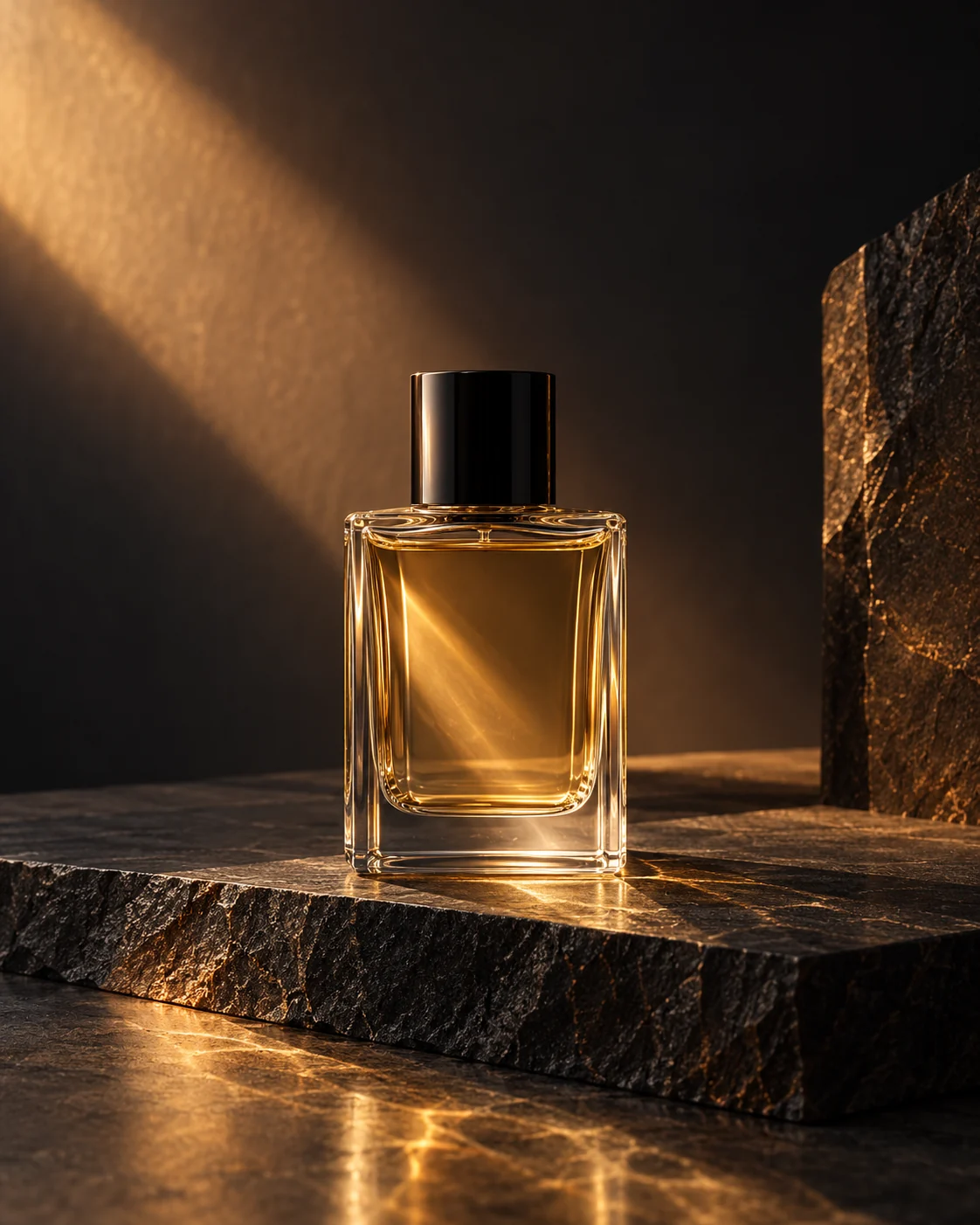
Prism-Light Perfume Ad
See it in action
The image below was made with the English prompt shown here. Results vary between models and runs.
Original luxury product photograph: an unbranded clear rectangular perfume bottle with pale amber liquid and simple black cap on a charcoal stone slab, a narrow warm sunlight prism through the glass, black and bronze palette, real refraction, subtle shadow, visually restrained, centered lower two-thirds with clean space above. Portrait 4:5. No text, logos or watermark.
1. Fill in your details
The values below are examples. Replace them with your own; nothing is saved or sent.
2. Copy the full prompt
Create an original image of [Subject] with a primary palette of [Palette]. Give it a simple black cap and set it on dark slate. A narrow beam of warm light passes through the bottle, creating restrained refracted highlights. Keep the glass thickness believable, the subject in the lower two-thirds, and the background dark and clean; don't hide the product behind too much smoke. Use a 4:5 vertical format with a clear visual hierarchy, keeping details subordinate to the subject and leaving room for layout later. Do not generate text, logos, signatures, or watermarks; this is a concept example, not a real product photo. If I provide a real product reference, follow its structure and colors; if information is missing, do not invent selling points. After generating, check the edges, object connections, perspective, and lighting; when adjusting, change only one factor at a time.
Create an original image of [Subject] with a primary palette of [Palette]. Give it a simple black cap and set it on dark slate. A narrow beam of warm light passes through the bottle, creating restrained refracted highlights. Keep the glass thickness believable, the subject in the lower two-thirds, and the background dark and clean; don't hide the product behind too much smoke. Use a 4:5 vertical format with a clear visual hierarchy, keeping details subordinate to the subject and leaving room for layout later. Do not generate text, logos, signatures, or watermarks; this is a concept example, not a real product photo. If I provide a real product reference, follow its structure and colors; if information is missing, do not invent selling points. After generating, check the edges, object connections, perspective, and lighting; when adjusting, change only one factor at a time.
3. Check the result
Check that the bottle neck, liquid level, refraction, and reflection are consistent. Zoom in to inspect the edges, then confirm the aspect ratio and layout space.
Not happy? Change one variable at a time and compare with the previous result.