
← All templatesPosters & E-commerce · Character Design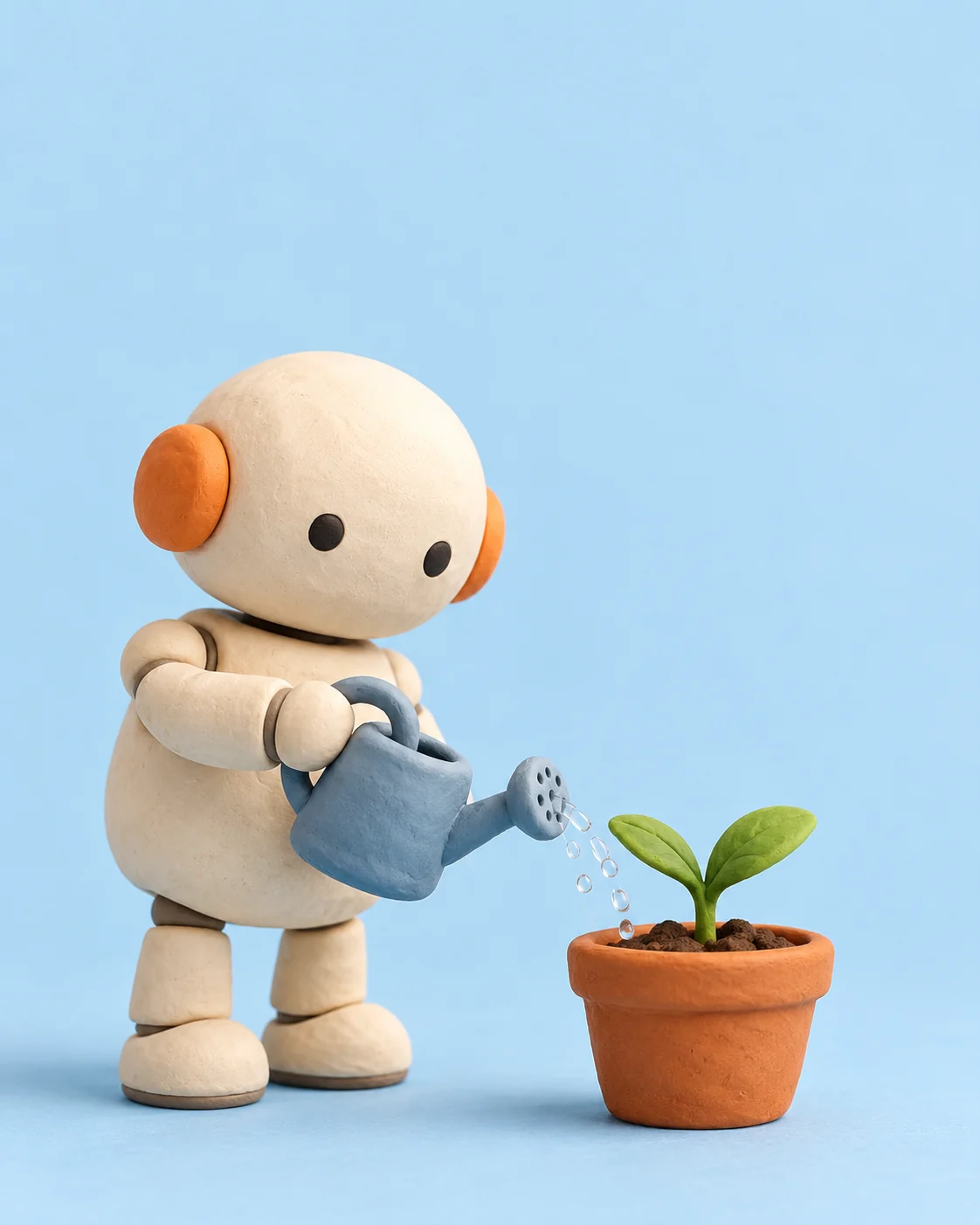
Clay Robot Watering a Plant
See it in action
The image below was made with the English prompt shown here. Results vary between models and runs.
Create an original clay illustration of a friendly small ivory robot with a rounded body, two black dot eyes and orange ear discs, watering a single green seedling in a terracotta pot. Handmade clay texture, pale blue seamless background, soft studio light, clean generous upper negative space, portrait 4:5. No words, logos or watermark.
1. Fill in your details
The values below are examples. Replace them with your own; nothing is saved or sent.
2. Copy the full prompt
Create an original image of [Subject] with a primary palette of [Palette]. The robot has two black dot eyes and round orange ears and is watering a green seedling in a terracotta pot. Handmade clay texture, rounded but with visible joints, soft studio light, the pot and robot both touching the ground, and large clean empty space above. Use a 4:5 vertical format with a clear visual hierarchy, keeping details subordinate to the subject and leaving room for layout later. Do not generate text, logos, signatures, or watermarks; this is a concept example, not a real product photo. If I provide a real product reference, follow its structure and colors; if information is missing, do not invent selling points. After generating, check the edges, object connections, perspective, and lighting; when adjusting, change only one factor at a time.
Create an original image of [Subject] with a primary palette of [Palette]. The robot has two black dot eyes and round orange ears and is watering a green seedling in a terracotta pot. Handmade clay texture, rounded but with visible joints, soft studio light, the pot and robot both touching the ground, and large clean empty space above. Use a 4:5 vertical format with a clear visual hierarchy, keeping details subordinate to the subject and leaving room for layout later. Do not generate text, logos, signatures, or watermarks; this is a concept example, not a real product photo. If I provide a real product reference, follow its structure and colors; if information is missing, do not invent selling points. After generating, check the edges, object connections, perspective, and lighting; when adjusting, change only one factor at a time.
3. Check the result
Check the water stream direction, how the hand grips the watering can, and the pot's position. Zoom in to inspect the edges, then confirm the aspect ratio and layout space.
Not happy? Change one variable at a time and compare with the previous result.